Save recipes. Plan your week. Avoid food waste.
ThymeBlock is a free iOS app that saves recipes from TikTok, Instagram and any recipe site, plans your week around the days you cook, and writes one grocery list sorted by aisle.
Share a link, get the recipe. Every one you save is ready to plan and shop from.

Want your week planned too? Learn more about our weekly meal planner.
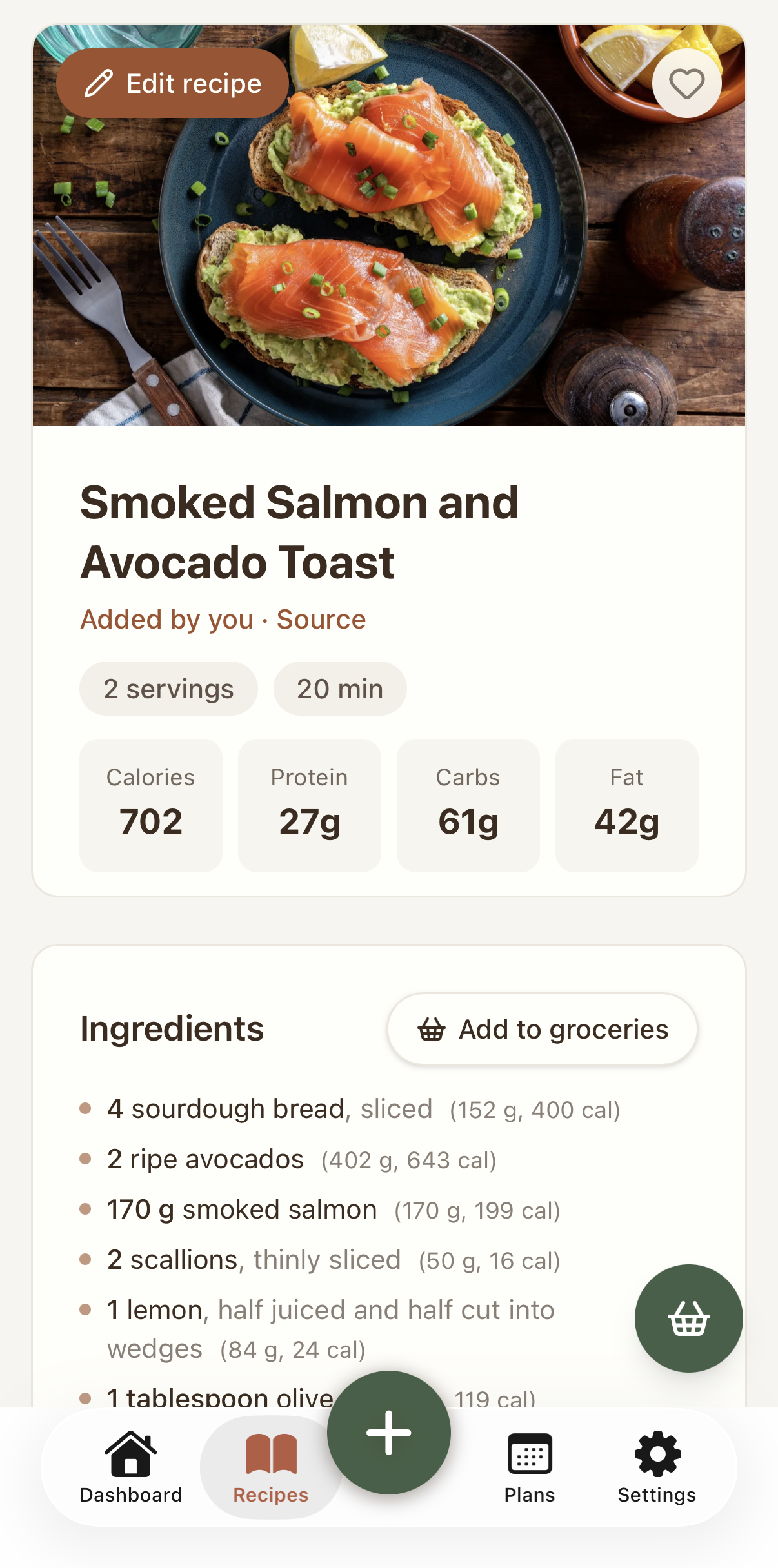
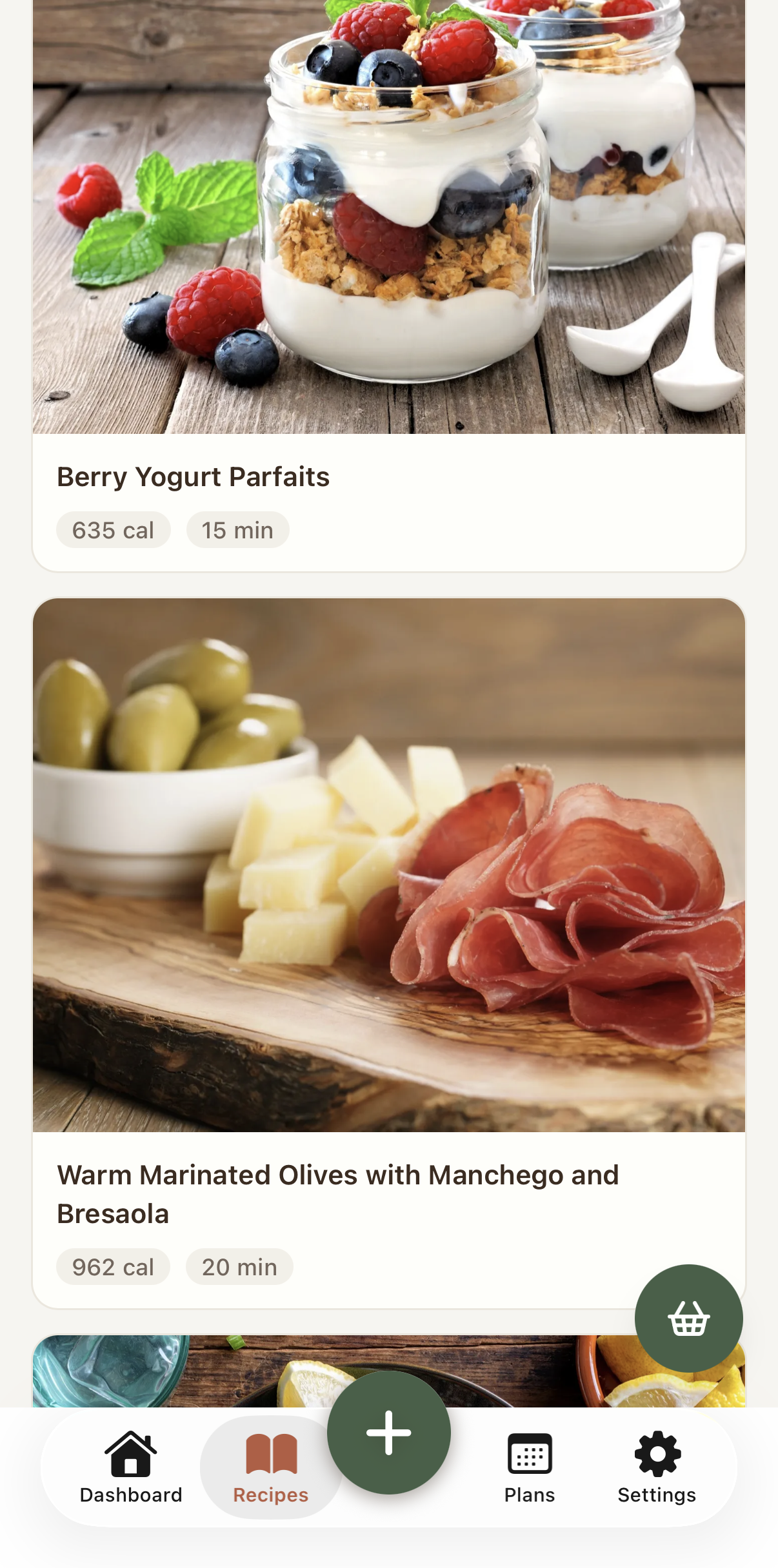
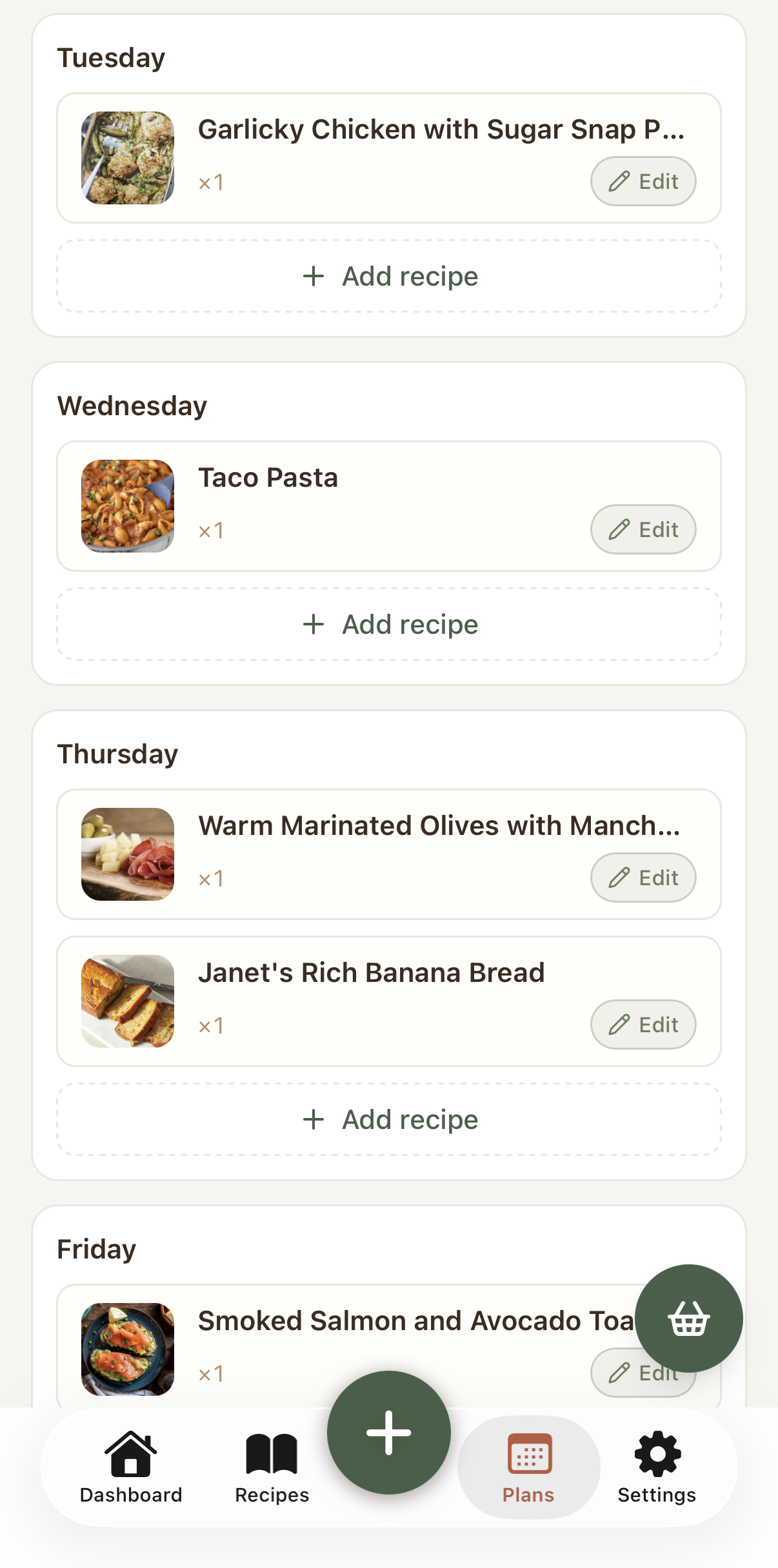
Every recipe you find, saved
- Import from recipe websites and TikTok
- Full per-serving nutrition, from verified data
- Your own recipe box, plus the catalog
Tell us your goal. We plan the meals and write the grocery list.
Three steps. The planner handles the targeting, so you never log a meal.
Pick this week's goal
Plan around a target with Hit my macros, or keep it light with Just dinners or Lunch and dinner. Change it any week you like.
Set your target once
On Hit my macros, a few quick questions turn your details into a daily calorie and macro target. After that, ThymeBlock just reuses it.
Get your plan and one list
ThymeBlock builds the week to your goal, times the cooking around leftovers so nothing goes to waste, and hands you a grocery list sorted by aisle.
Simple, transparent pricing
Start free, then upgrade for more imports or the automated planner. No hidden fees, cancel anytime.
- Import recipes from recipe websites and TikTok
- Your own recipe box
- Plan your week by hand
- Full per-serving nutrition on every recipe
- Basic grocery list
- Browse the recipe catalog
- No automated planner. You build the week yourself.
- Everything in Part Thyme
- No ads
- No automated planner. You build the week yourself.
- Everything in Full Thyme
- Weekly meal planner built around your goal
- Macro targets set for you, no logging
- Cook days with automatic leftovers
- The week's grocery list, written for you
- Freezer & leftover planning
Questions, answered
How planning, targets, and nutrition actually work.
Do I have to count calories?
No. You never log food. If you choose Hit my macros, a quick setup sets your target and the planner builds every meal to hit it. The simple modes skip targets altogether.
Do I have to plan every meal?
No. Pick how much to plan each week (Just dinners, Lunch and dinner, or Hit my macros for the full day), and skip any day you want. Eating out Wednesday? Leave it off and ThymeBlock plans around your schedule.
Can I cancel anytime?
Yes. The paid plans (Full Thyme and Prime Thyme) are monthly subscriptions in the iOS app, and you can cancel whenever you like.
Where does the nutrition come from, and how accurate is it?
Per-serving calories, protein, carbs and fat are calculated from public food data (USDA), matched to each ingredient and amount, so it reflects real measurements rather than a guess. If an amount is missing, the recipe is labelled as an estimate until you fill it in. Every recipe you save gets nutrition, on every plan.
How does the weekly planning work?
Each week you pick a goal and the days you cook. ThymeBlock builds the plan and uses leftovers to cover the days in between, while food stays fresh.
More questions? See the full FAQ.